 eREC for macOS
eREC for macOS
Simplify your video production with eREC.
Capture video and audio from multiple cameras and microphones simultaneously. Designed by a creator for creators, eREC lets you focus on your story, not the tech, and bring your YouTube vision to life.
Benefits of eREC
Simultaneous Multi-Device Capture
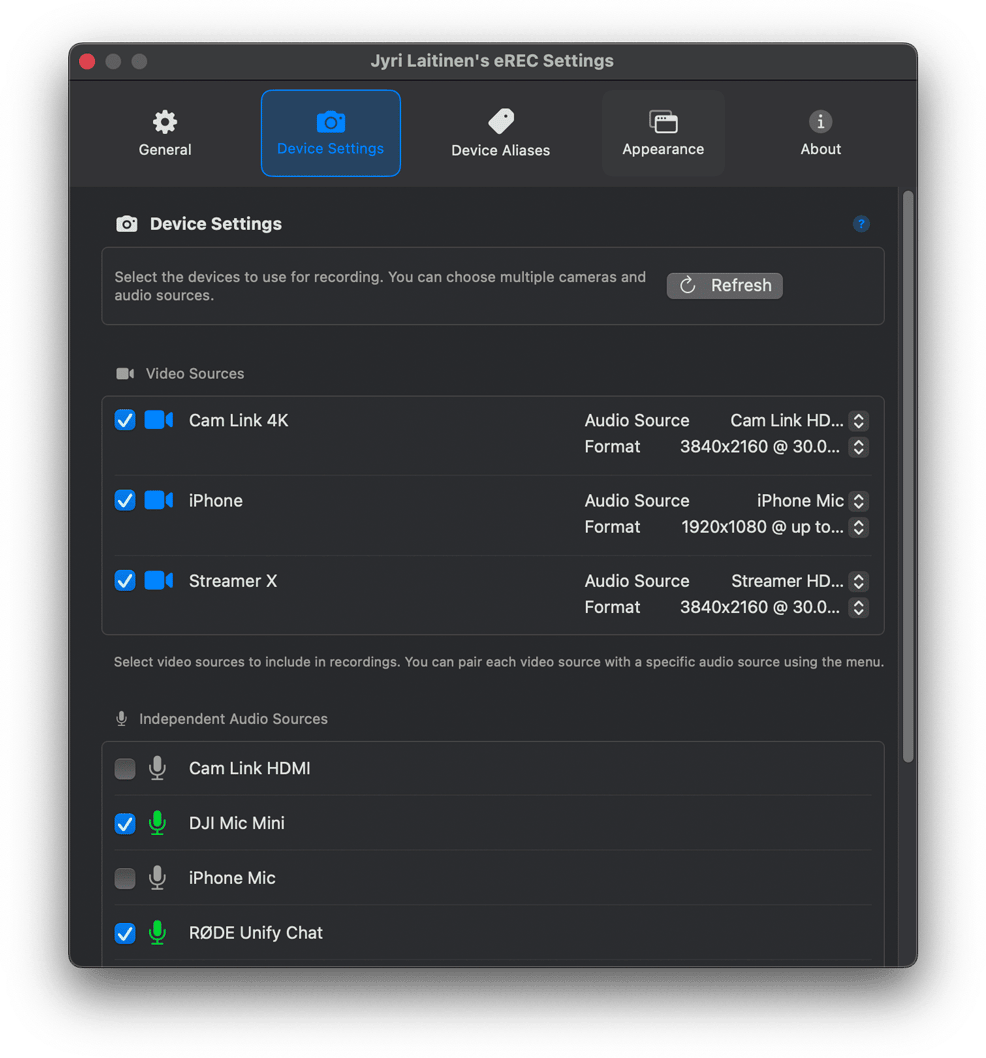
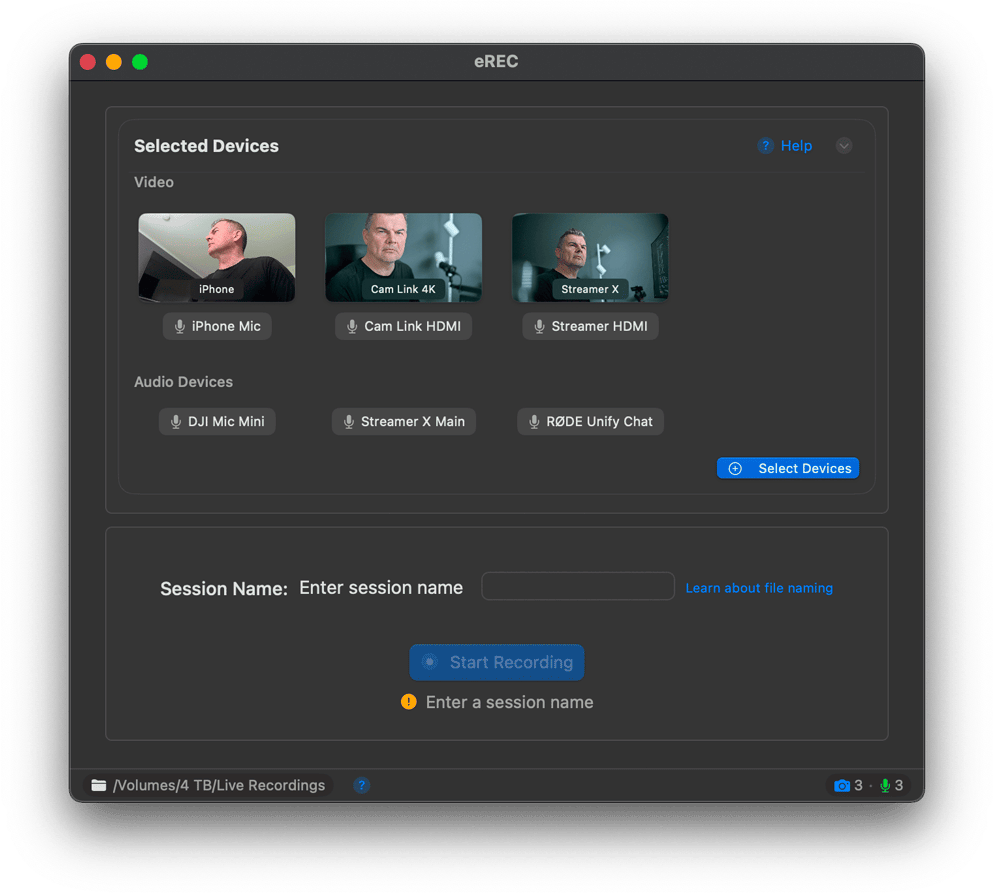
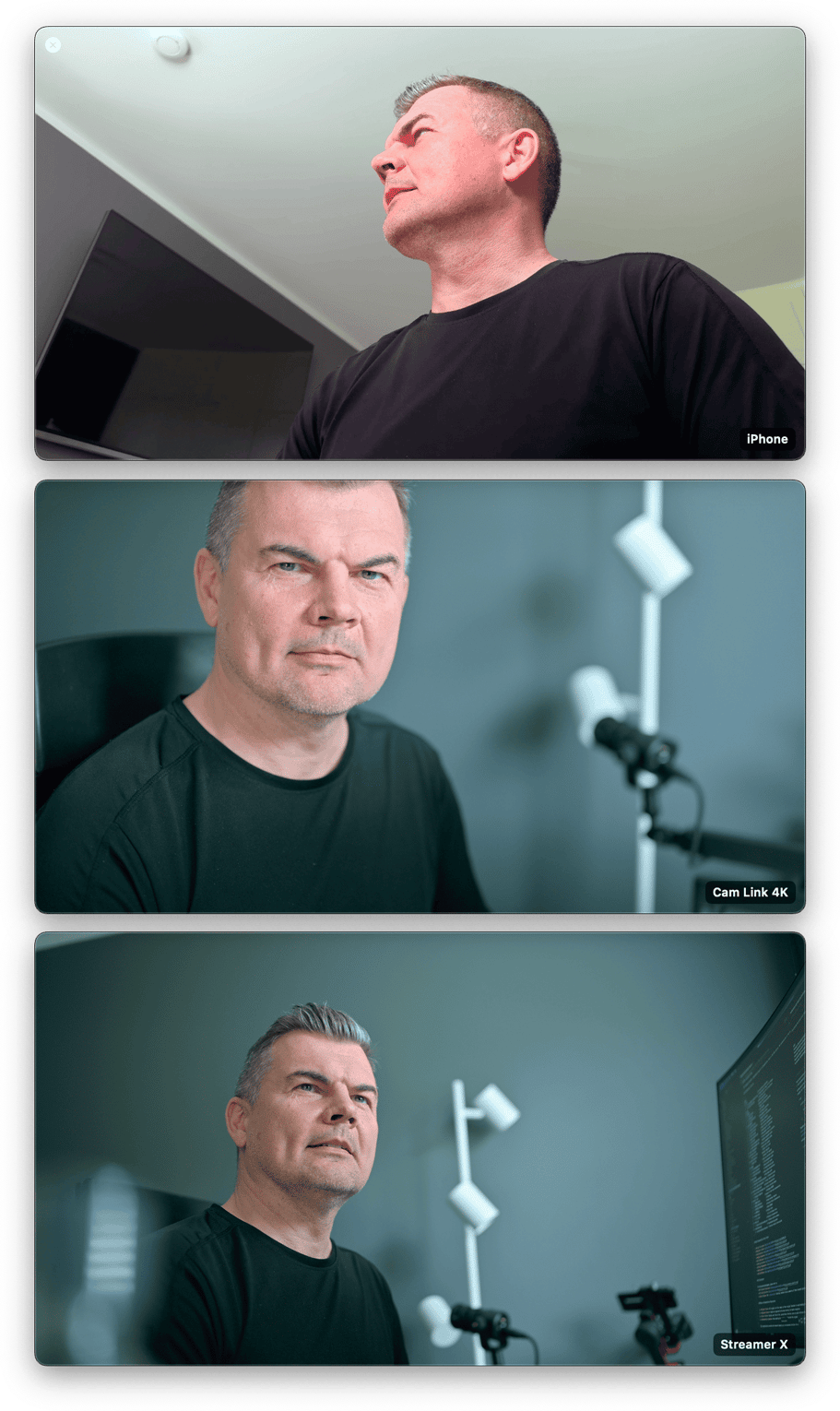
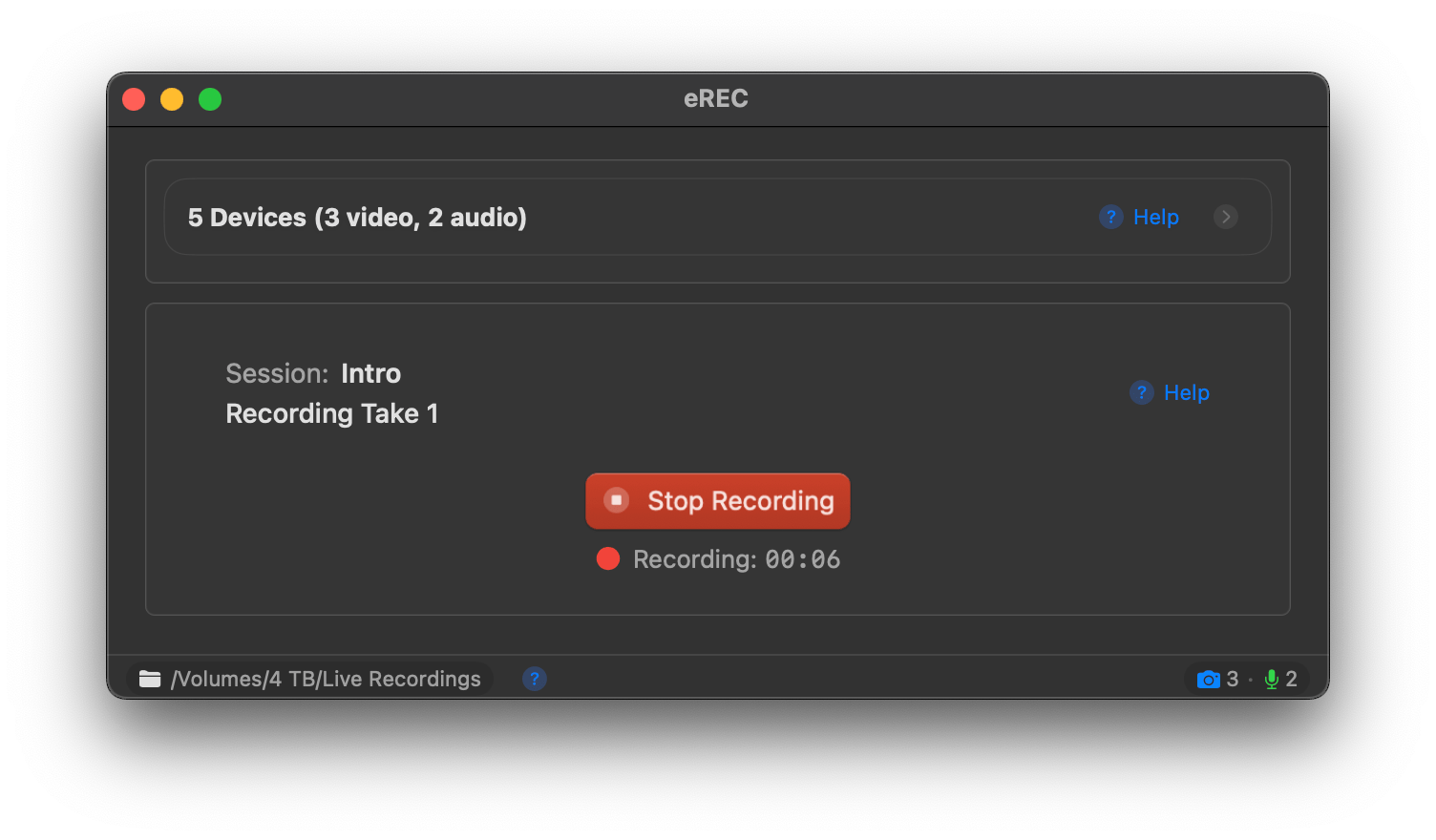
Record from all your cameras (webcams, DSLRs via capture cards) and microphones at once with a single click. Outputs separate tracks for maximum flexibility.
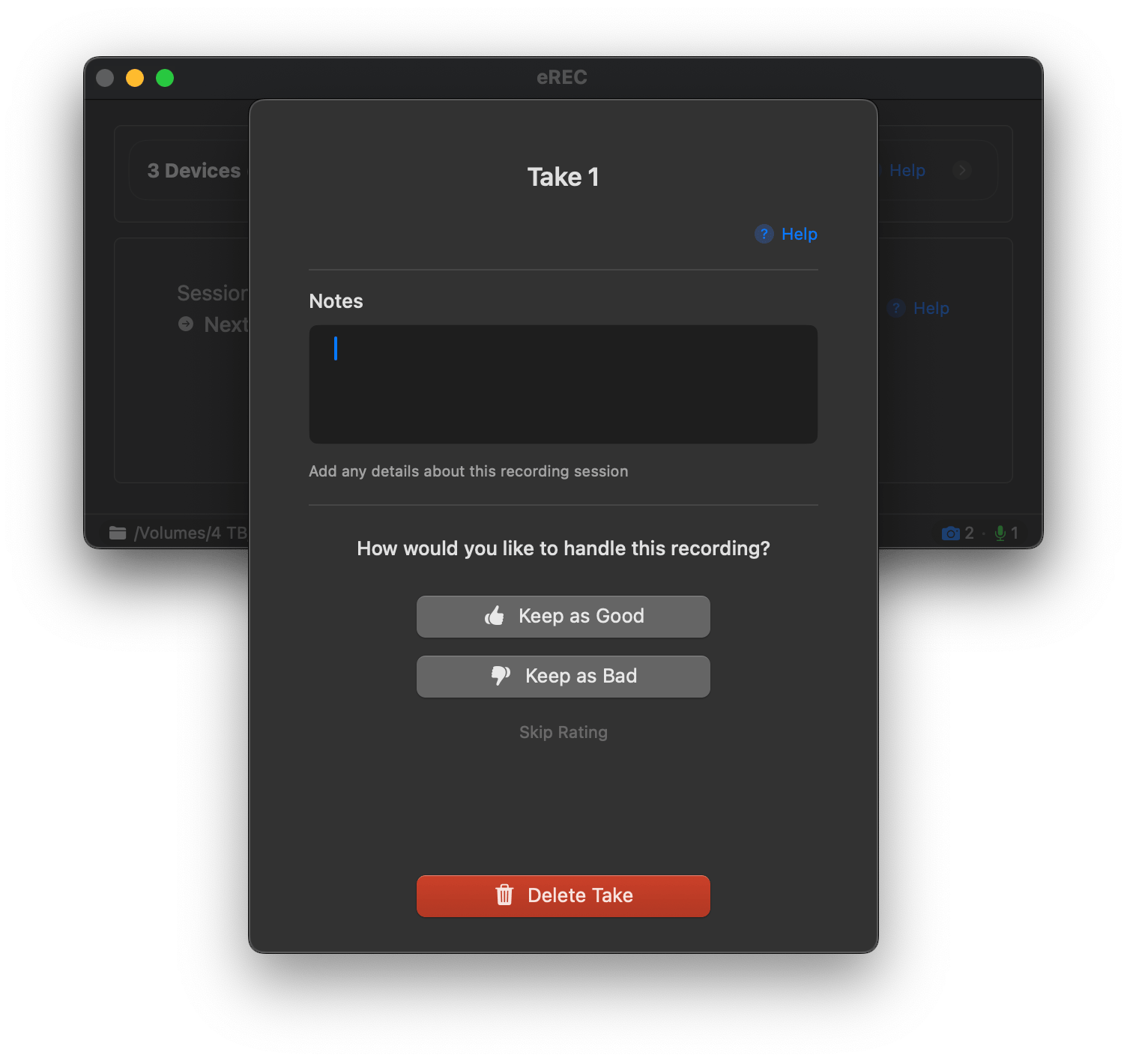
Streamlined Take Management
Organize your recordings with sessions. Easily rate takes as "Good" or "Bad", add notes, or delete unwanted takes to quickly find your best footage.
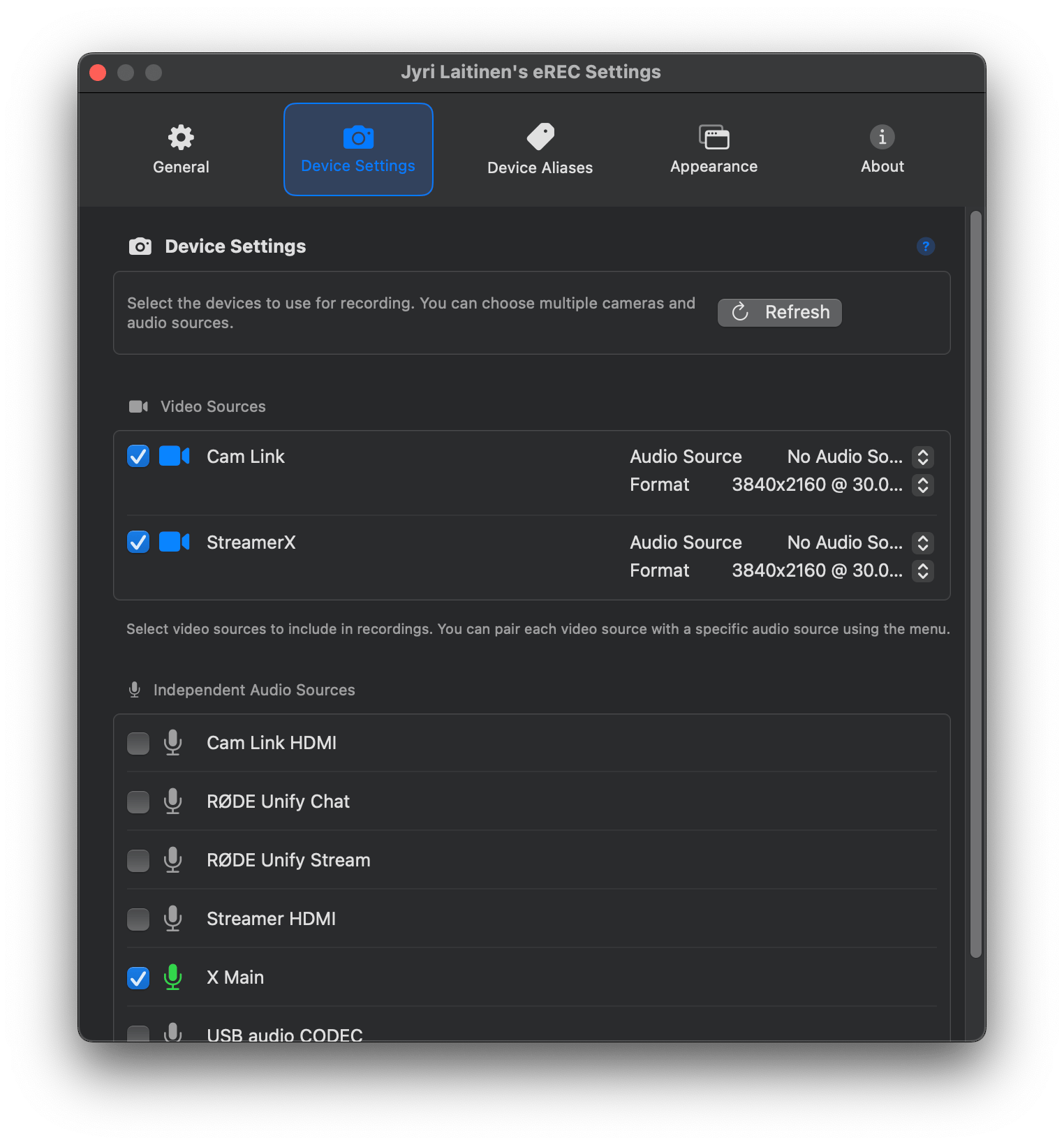
Flexible Audio Control
Pair specific audio sources with video devices, or record all audio tracks independently for ultimate control in your post-production workflow.
Ready to Transform Your Videos?
Download eREC to record and edit effortlessly, or explore how it simplifies your content creation workflow.
Learn More Download Now (Available on App Store)Ideas or bugs? See what others are saying on our community board or download eREC to share your feedback.